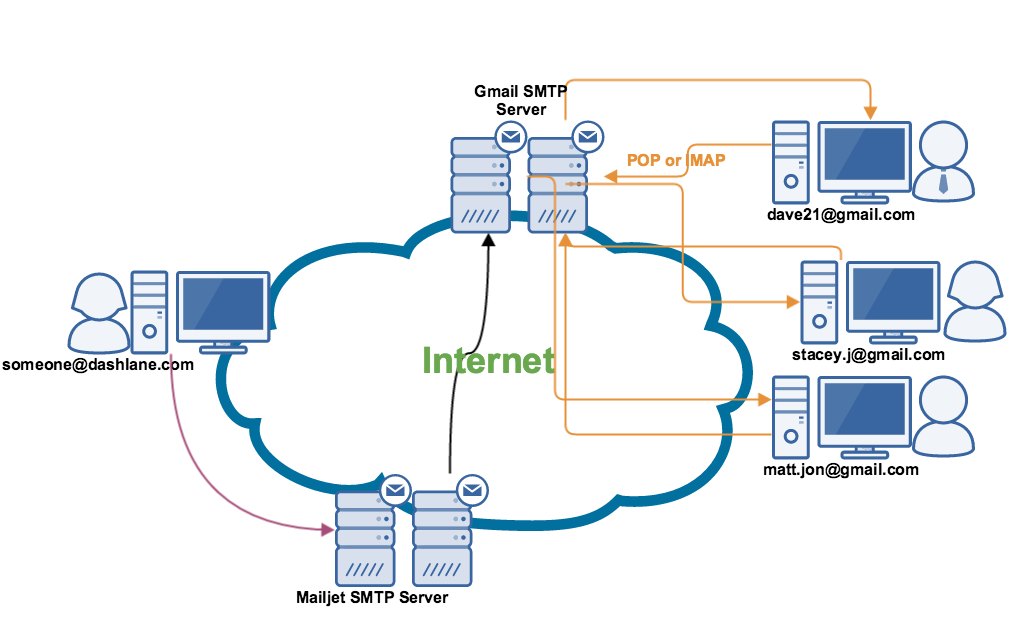
How to send mail in CakePHP 2.x
First you have to configure your cakephp for sending mail.
Go to:
App/Config/email.php
Now there are two method you can use:
- Using sendmail function
- Using SMTP
For sendmail :
public $default = array(
		'transport' => 'Mail',
		'from' => '[email protected]',
		'charset' => 'utf-8',
		'headerCharset' => 'utf-8',
	);
For SMTP:
public $smtp = array(
		'transport' => 'Smtp',
		'from' => array([email protected]' => Sender name),
		'host' => 'ssl://smtp.gmail.com',
		'port' => 465,
		'timeout' => 30,
		'username' => [email protected]',
		'password' => PASSWORD,
		'client' => null,
		'log' => false,
		'charset' => 'utf-8',
		'headerCharset' => 'utf-8',
	);
Now you have setup you mail config file.
Now we will send mail:
$Email = new CakeEmail('smtp'); // Replace Smtp to default if you don’t want send mail from SMTP
        $Email->to('[email protected]');
        $Email->emailFormat('html');
        $Email->template('default')->viewVars( array('body'=>"Hi this is a mail from cakePHP"));
// pass your variables here.
        $Email->subject('My First Mail from cakephp');
        $Email->from ('[email protected]');
        $Email->send();
To edit or customize your mail template you have to edit/create your email template file:
app/View/Emails/html/default.ctp
<html>
<h1>Hi</h1>
<p><?php echo $body; ?></p>
</html>

for more information you can check CakePHP documentation.